
WHAT IS NEW
From a system that produces reports to one that answers questions about them.
You can decide before you open the long report.
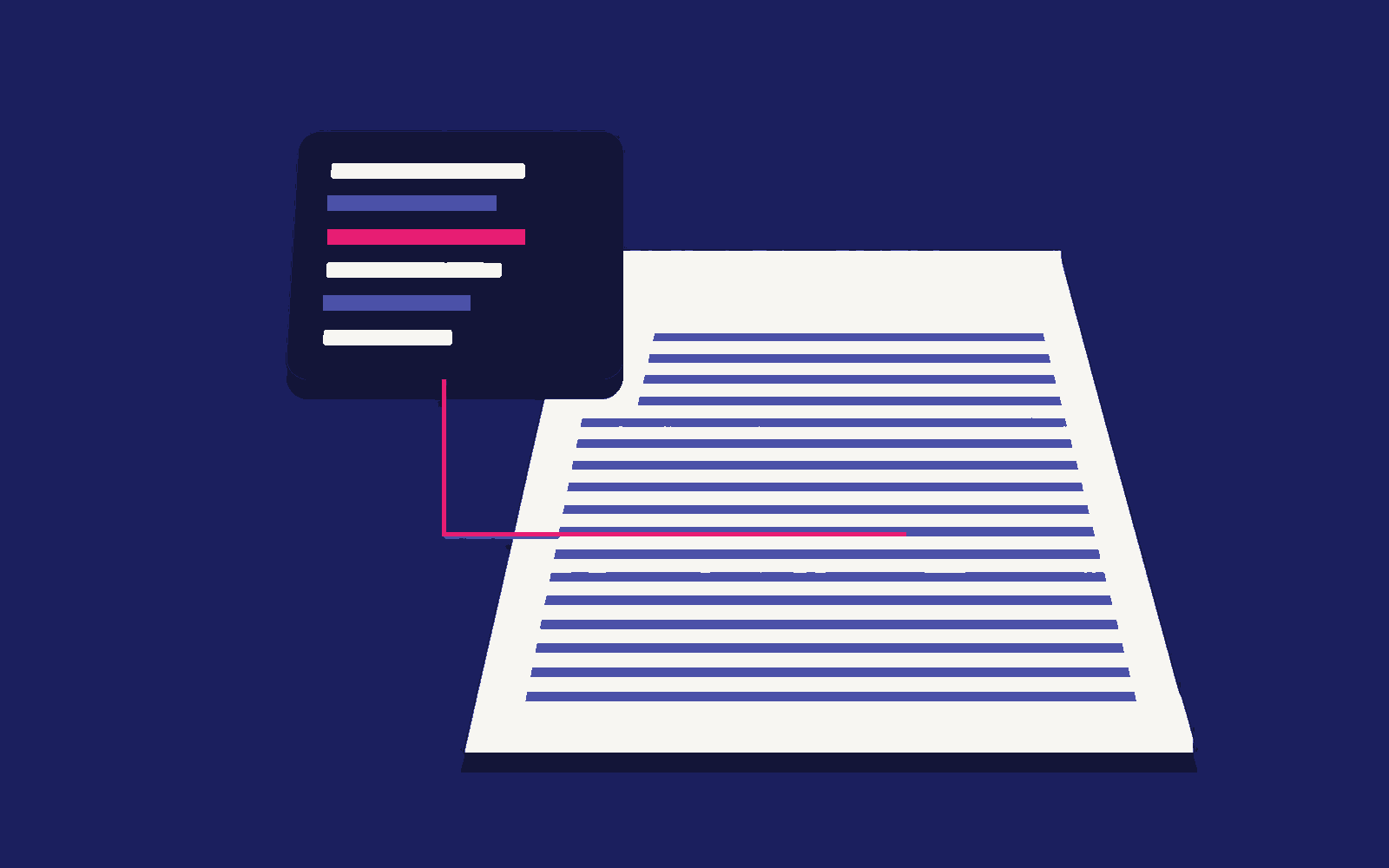
Before you work through the whole report, the location’s most important headings arrive as a short summary: investment score, target-audience fit, strengths, risks to watch, competitive position and fit with the brand concept.
“What does this location promise?” is answered in a few lines; the detail stays in the report underneath, for when you want it.
In the field, you do not have to read it.
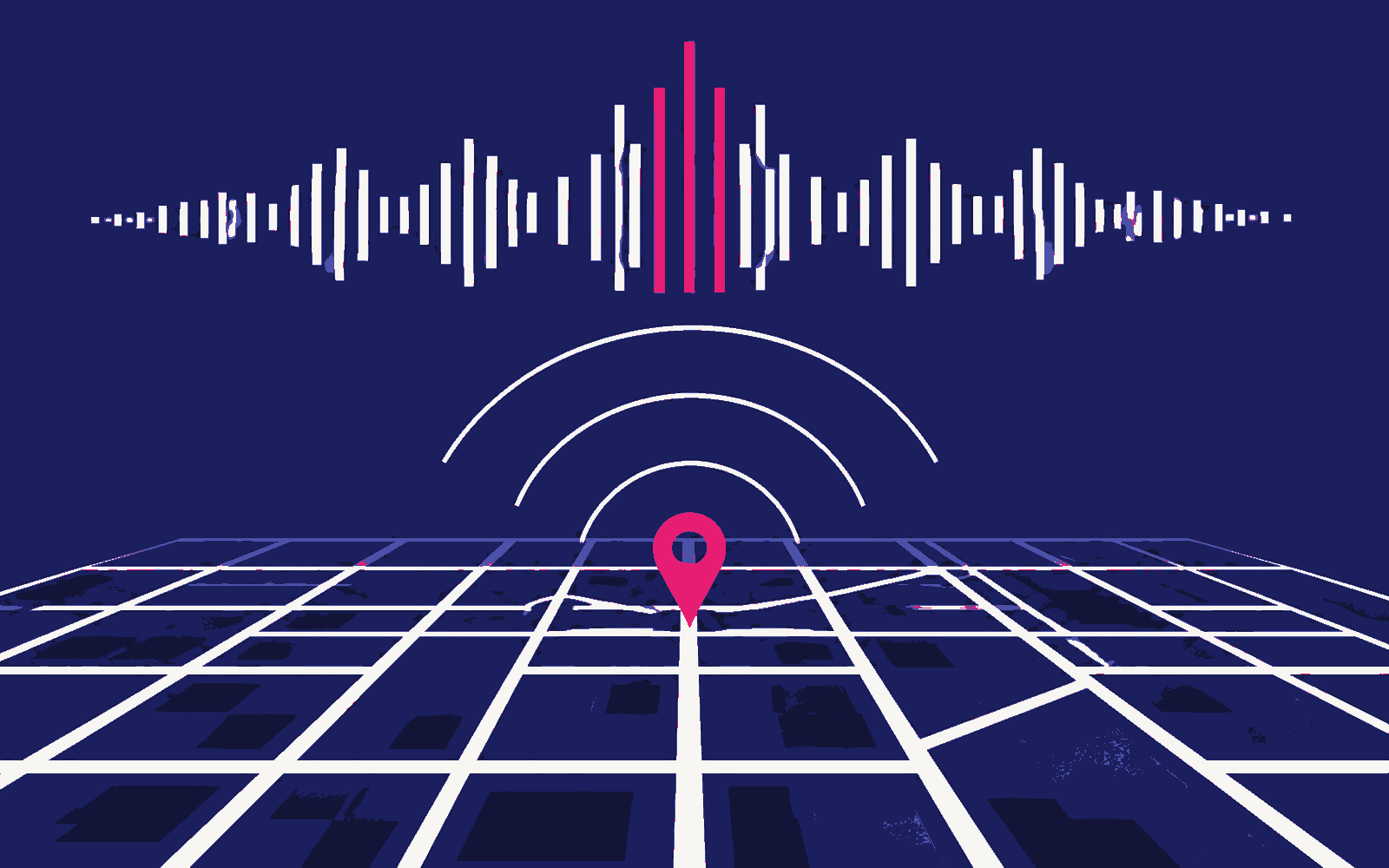
The GeoBrain commentary and the report itself can be listened to. In the car, between two visits, or in the minutes before a meeting, you can hear the assessment and understand what the location offers.
Location analysis is no longer only read; it is listened to.
The conversation does not end when the report arrives.
Once the report has arrived you can ask GeoBrain about its contents or about what surrounds the location. GeoBrain answers from the data in the report and from what is known about the area around it.
The same chat stops being a one-way delivery and becomes a two-way assessment.

THE FLOW
From the moment you send the location to the decision, in one chat.

-
01
Send the location
An address link, coordinates or a plain address. All three work on the same line assigned to you.
-
02
Take the summary
The six-heading assessment comes first; the long report stands behind it.
-
03
Listen to the report
Hear the GeoBrain commentary or the report itself, without reading.
-
04
Ask GeoBrain
Whatever you want to know about the report or the surrounding area, ask it in the same chat.
-
05
Reach the decision sooner
The assessment finishes without signing in to an application or opening a file.
The analysis under this flow is Point Report’s; the summary, the spoken reading and the question-and-answer loop belong to this channel. See Point Report